
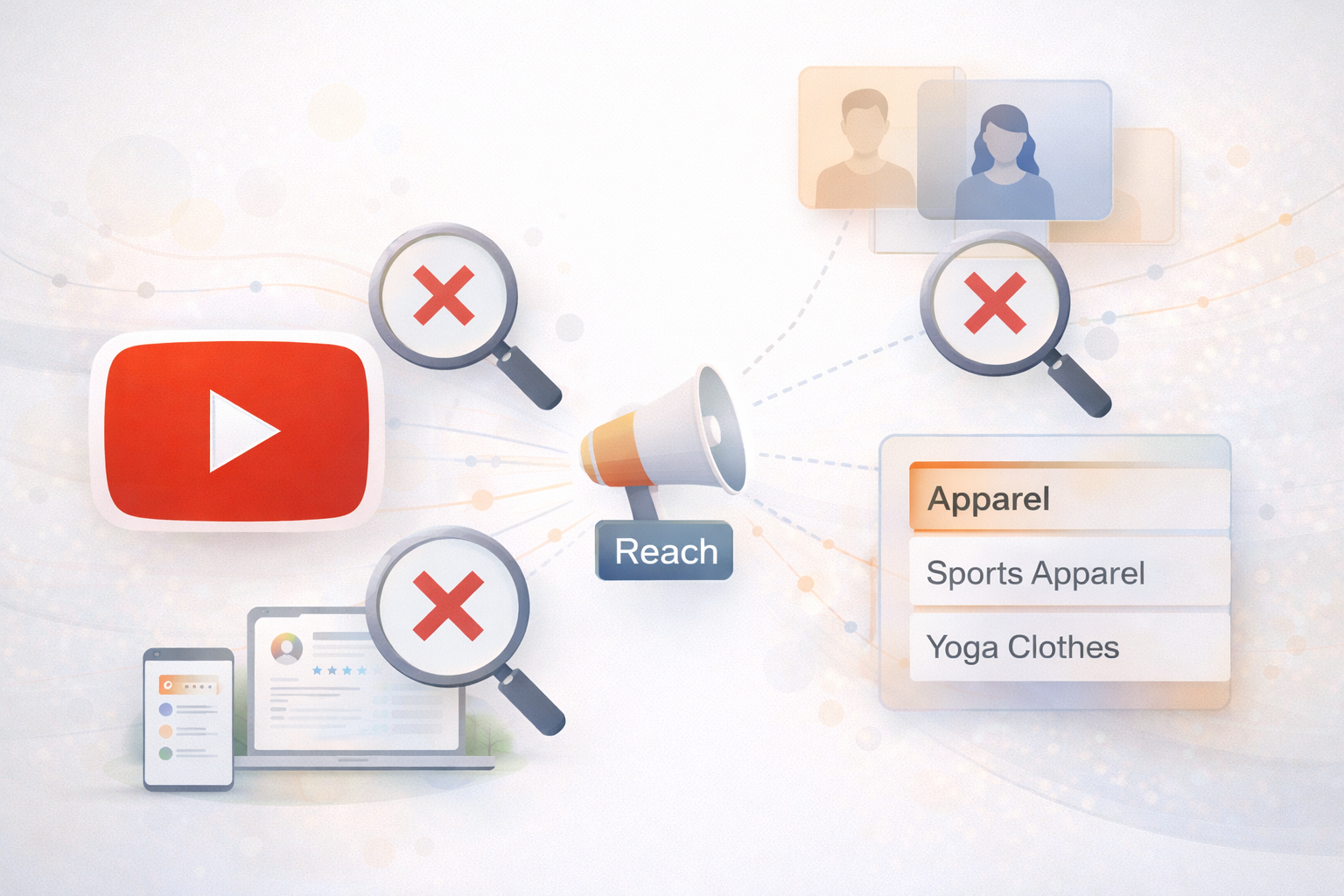
YouTube is becoming a much bigger part of Google Ads, so if it’s not in your advertising plan yet, it probably should be.
I recently had a coaching call with a client who works at an agency. She leads paid search for her team, and they’re very strong with Search campaigns and Performance Max. But they were about to launch their first-ever YouTube video campaign for a client.
Before the campaign went live, she asked me to review their setup. When I looked through it, I noticed three very common mistakes that businesses often make when they’re new to YouTube advertising.
The good news? We fixed all of them before launch. Below, I’ll walk you through those same mistakes so you can avoid them too.
Mistake #1: Splitting Audiences Too Much
When you’re starting with YouTube ads – especially if you have a smaller budget – it’s usually better to combine audiences instead of separating them.
If you’ve run Meta (Facebook or Instagram) ads before, you might be used to putting one audience in each ad group. That makes sense there. But Google Ads works differently.
In Google Ads, you can put multiple audiences into the same ad group and still see how each audience performs on its own.
So if:
- You’re using the same video
- You’re sending traffic to the same landing page
Then those audiences should usually live in one ad group, not many.
In my client’s account, they had:
- Multiple video campaigns
- Each campaign had many ad groups
- Every ad group used the same video but only one audience
This spreads the data too thin. Google learns more slowly because each ad group has very little information.
We combined the audiences into one ad group. That way, all the data goes into one place, helping Google learn faster and improve results sooner.
Simple rule:
👉 Keep audiences together, not split apart.
Mistake #2: Starting with a “Reach” Campaign
The second mistake was choosing a Reach goal for their first video campaign.
When you create a YouTube campaign, you usually choose between:
- Reach (show ads to as many people as possible)
- Views (get people to actually watch your video)
If you’re new to YouTube ads or working with a smaller budget, I almost always recommend starting with Video Views.
Here’s why:
With a video views campaign, you only pay when:
- Someone watches at least 30 seconds of your video, or
- They watch the entire video (if it’s shorter)
That means you’re paying for real attention, not just exposure.
Another big advantage is remarketing.
With video views, you can:
- Show ads again to people who watched your video
This is powerful because you can follow up with people who already showed interest.
With reach campaigns, ads are often unskippable. That means:
- People don’t choose to watch
- There are no “views,” only impressions
- You cannot remarket to those users later
Reach campaigns can be useful, but they’re not ideal when you’re just getting started and want to build warm audiences.
Simple rule:
👉 Start with Video Views, not Reach.
Mistake #3: Choosing Audiences That Are Too Broad
The third mistake is very common in YouTube and other audience-based campaigns:
Choosing broad categories instead of specific ones.
Here’s an example.
Let’s say you want to reach people who want to buy yoga clothes.
You might see audience options like:
- In-market for Apparel (very broad)
- In-market for Sports Apparel (more specific)
- In-market for Yoga Clothes (very specific)
If you choose “Apparel,” you’re targeting:
- Yoga shoppers
- People buying jeans
- People shopping for jackets
- And everything else
That’s not very focused.
It’s usually better to choose the most specific option available, like “Yoga Clothes.”
One important tip:
If you choose the specific audience (Yoga Clothes), do not also choose the broader ones (Sports Apparel or Apparel).
Why? Because the same person can belong to all three groups. When that happens, Google can only credit their view or impression to one audience, which makes your data messy and harder to understand.
Simple rule:
👉 Pick the most specific audience and avoid overlapping categories.
Key Takeaways
Here’s a quick summary you can use when setting up your next YouTube campaign:
- Combine audiences if you’re using the same video and landing page
- Start with Video Views campaigns, especially with smaller budgets
- Choose specific audience categories, not broad ones
- Don’t target parent and child audiences at the same time
These are some of the most common mistakes people make when starting with YouTube ads. Fixing them early can make a big difference in performance – and save you a lot of wasted budget.
If you avoid these three issues, you’ll give your YouTube campaigns a much better chance of success.