
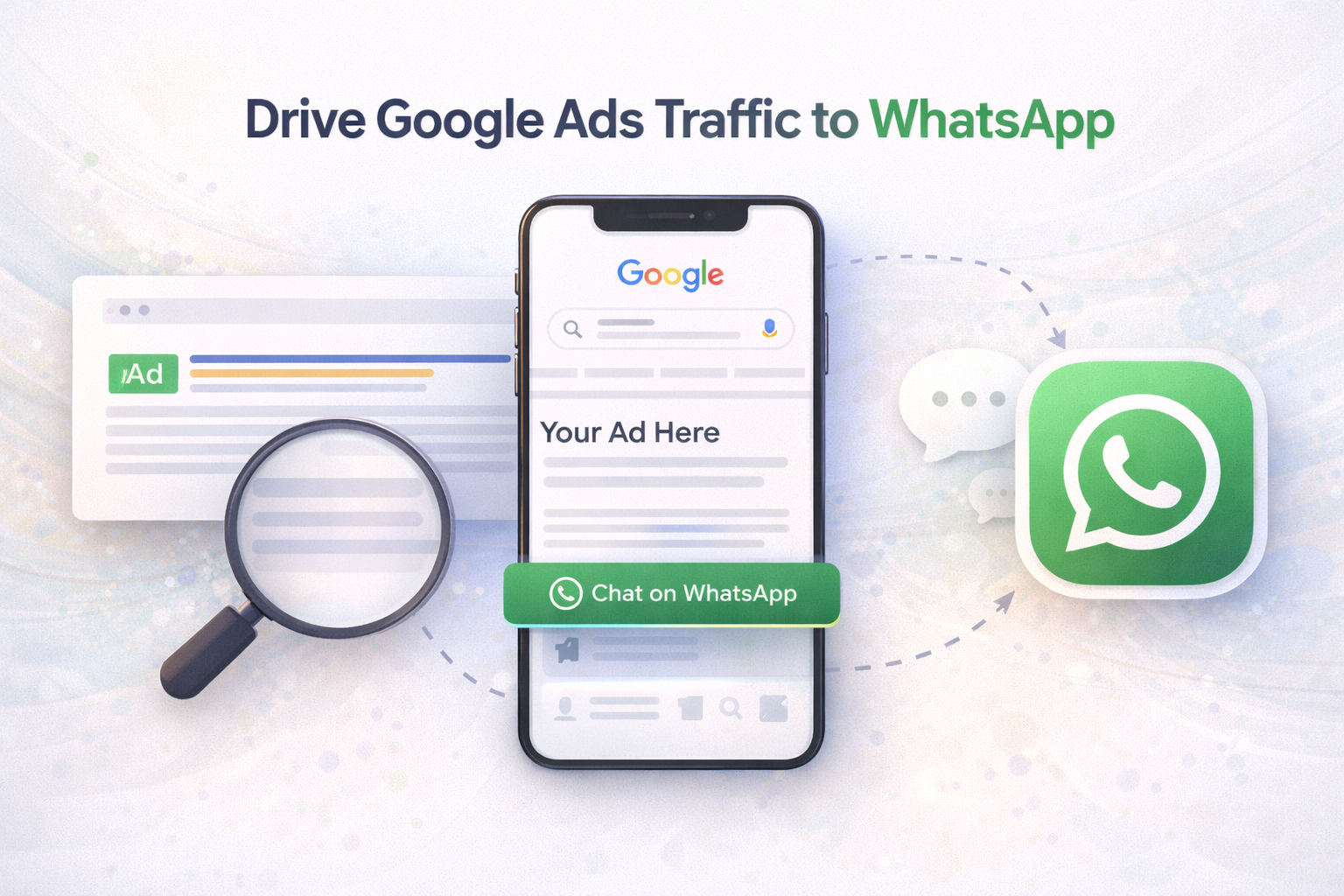
You can now use Google Ads to drive users directly into a WhatsApp chat, similar to “Click to WhatsApp” on Meta. This happens through Message assets (WhatsApp) or by using a direct wa.me link as your final URL.
Why Opt for Click-to-WhatsApp Advertising on Google?
Traditional online ads often send users to landing pages, where they may lose focus or drop off. Click-to-WhatsApp ads from Google create a direct conversation, offering clear benefits:
- Better Engagement: WhatsApp is personal and instant, encouraging active conversations instead of passive browsing.
- Improved Conversions: Real-time chats help answer questions quickly and move users closer to a decision.
- Enhanced Customer Experience: Instant replies and personalized support build trust and ease the customer journey.
- Quick Lead Qualification: Sales teams can identify serious leads faster through direct messaging.
- Cost-Efficient Results: High-intent conversations often deliver a better ROI than traditional search ads.
Where does Whatsapp CTA show in Ads ?
Message Assets enable a WhatsApp ‘Chat now’ button to appear alongside your Google search ad
How to Direct Google Ads Traffic to WhatsApp
There are two primary methods to send users from Google Ads directly into a WhatsApp chat. Below are both approaches:
Option 1 (Recommended): Use the Message Asset
This method lets you add a message button to your ad that opens a WhatsApp conversation instantly. It’s best for a fast and easy setup fully managed within Google Ads.
Steps:
- Log in to your Google Ads account.
- From the left menu, navigate to Campaigns > Assets.
- Create a new Message asset.
- Set up:
- Your WhatsApp Business number
- A pre-filled greeting message A strong call-to-action (e.g., “Chat with us on WhatsApp”)
- Save and assign the asset to your account, campaigns, or specific ad groups.
Option 2: Use a Click-to-WhatsApp Link
For more flexibility or a quicker setup, you can create a direct WhatsApp link and use it as the final URL in your ad. This approach doesn’t require extra assets in Google Ads, but you should carefully follow technical and policy guidelines.
Steps:
- Create a WhatsApp link using this format:
- https://wa.me/34XXXXXXX?text=Hello%2C%20I%20want%20more%20information
- Set this link as the ad’s final destination URL.
- Include a clear CTA, such as “Chat with an advisor on WhatsApp.”
Optimization Tips:
- Always use a WhatsApp Business account.
- Ensure the message follows Google Ads policy guidelines.
- Message assets can be applied at the campaign or ad-group level.
- Reuse existing assets whenever possible.